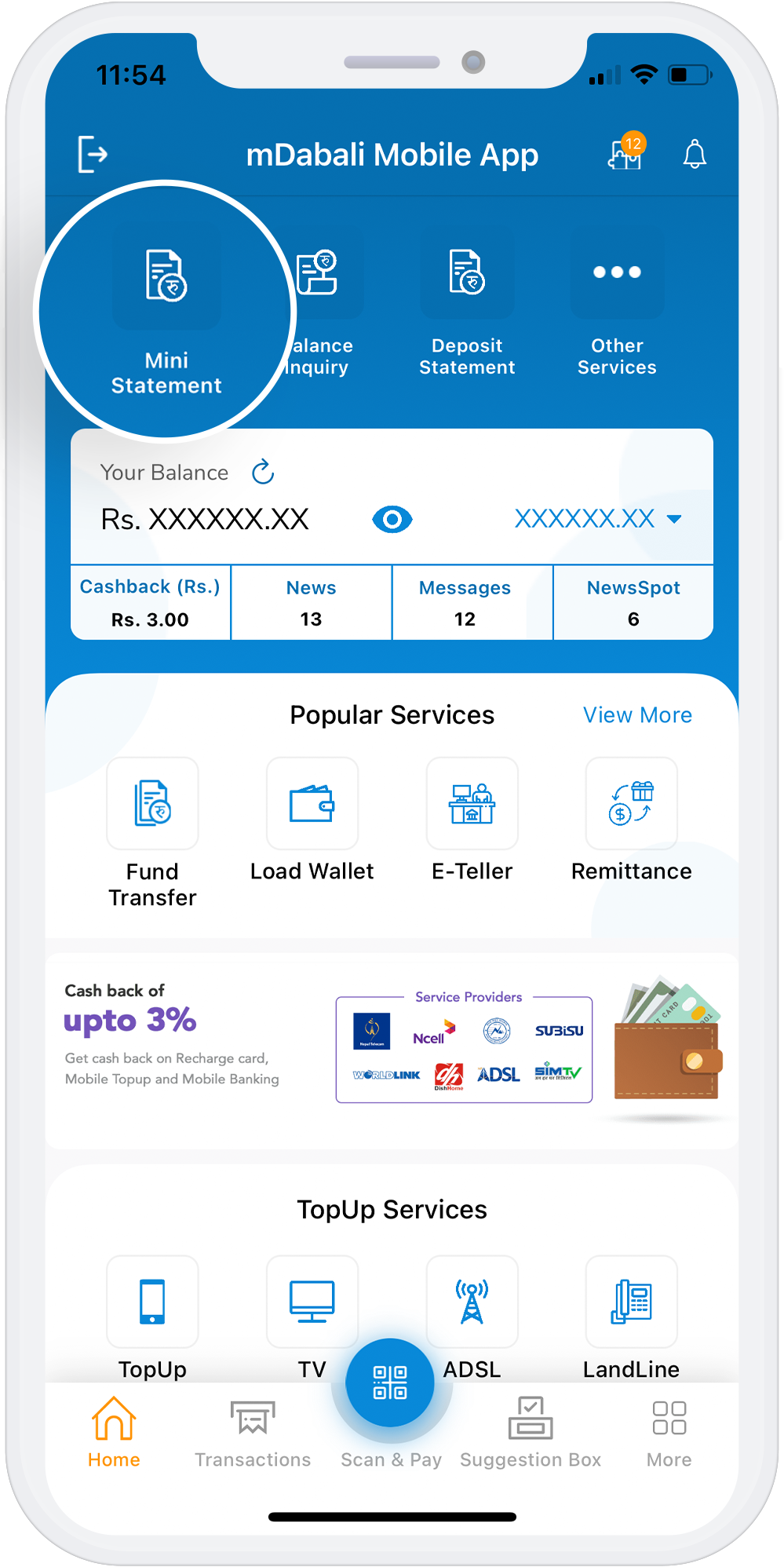
Mini Statement
With the mDabali mobile banking platform, account holders of Cooperatives and Microfinance can get access to the mini-statement of the recent debit/credit transactions made in the account through the App and through SMS. The mini statement contains all the transaction details carried out through various modes. However, if you have your mobile number registered with the bank, it can become easier for you to get the mini statement using your mobile number.
Download App
Step for Mini Statement using mDabali
1
Open mDabali app
2
Select “Mini Statement” from home page
3
Select “Access Code” and use your PIN No/Fingerprint/Face ID
4
Select Confirm button