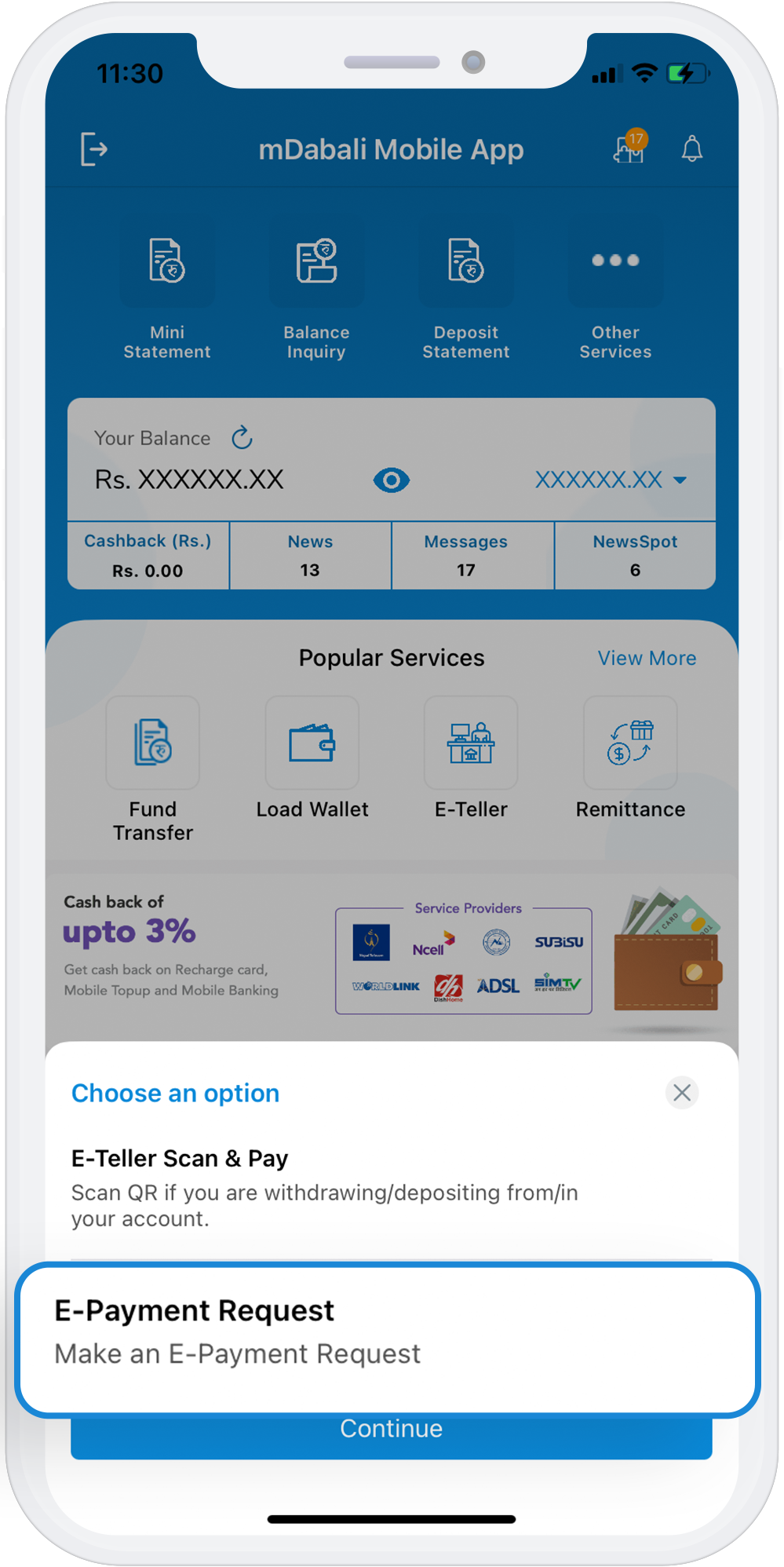
e-Payment Request
Using this feature, you can send money to anyone in the comfort of their homes. There may be cases when you need to pay someone and do not have cheque or cash to make the payment. In this case, you can fill up the e-payment request form available at mDabali App with the required details and ask the institution to make the payment of the mentioned amount to the mentioned person. However, the receiver will have to provide the unique code provided to them by the sender.
Download App
Steps to Send Money Using e-Payment
1
Select “e-Payment Request” available at the homepage
2
Enter the beneficiary details, i.e. Name, account no, phone number of the recipient
3
Enter the desired amount, payment expiry days and the choose your account number user want to transfer money from
4
Enter your PIN No and user will receive the unique code number
5
User have to provide the unique code received from the app to whom user wants to send money