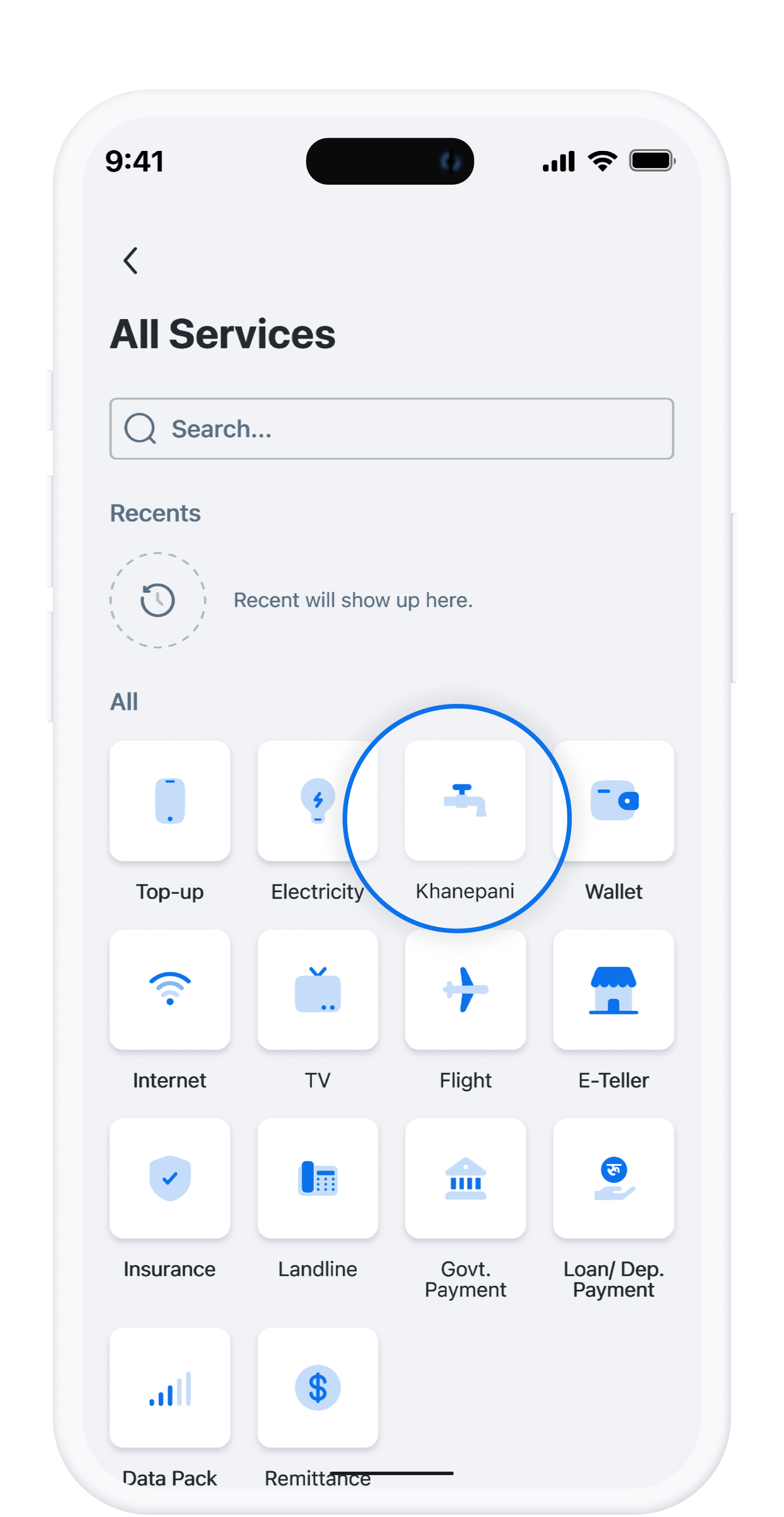
Khanepani Bill Payment
Do you still visit Khanepani bill payment counters to pay your Khanepani bills? With mobile banking platforms like mDabali, customers of Cooperatives and Microfinances don’t have to visit physical billing counters to pay their Khanepani bills. All they need to do is to open their mobile banking app and make payment directly from their Cooperative or Microfinance accounts.
Download App
Available Khanepani Bill Payment Counters
With mDabali, customers can pay their Khanepani bills online by choosing their Khanepani bill payment counters.
Steps to Pay Khanepani Bill with Mobile Banking
1
Open mDabali app
2
Select “Khanepani” from Popular Service
3
Select your Khanepani Counter from the dropdown list
4
Enter the Counter Code and the month for which the payment has to be done
5
Enter the required Amount
6
Select Access Code, then use your PIN No/Fingerprint/Face ID
7
Select Confirm button