How to Use QR Scan & Pay for your Cooperative and Microfinance Account?
May 5, 2022
- payment using QR Scan and Pay
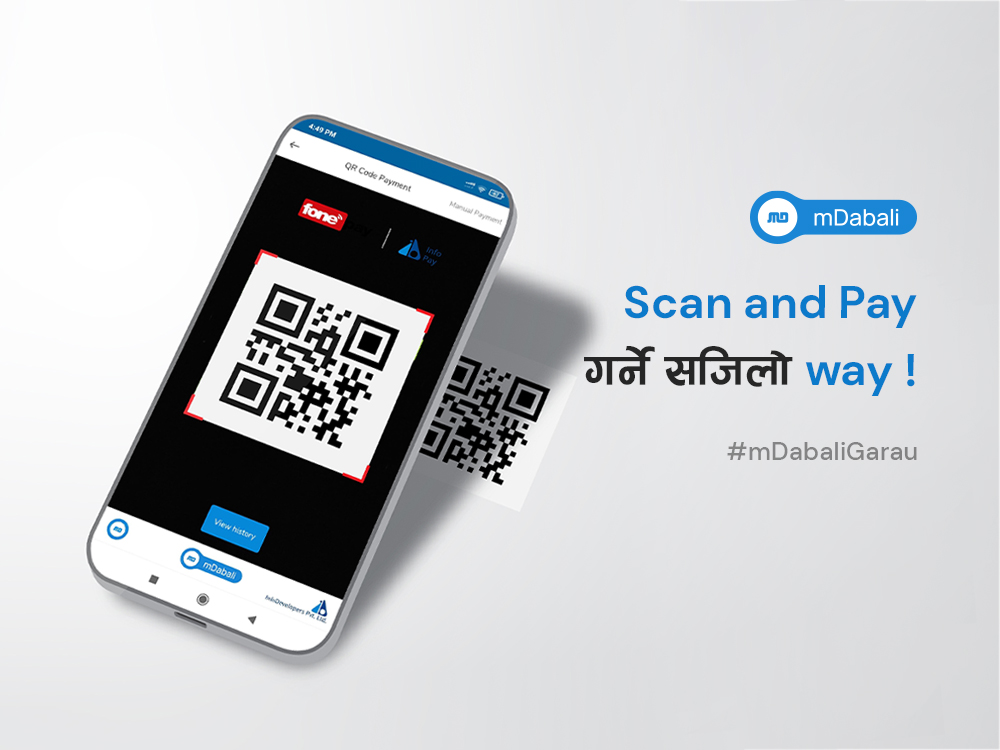
QR Scan and Pay feature is now available for the customers of Cooperatives and Microfinance as well. Customers of Cooperatives and Microfinance using mDabali mobile banking platform for the mobile banking can use FonePay QR Scan and Pay to perform various transactions.
With FonePay QR Scan and Pay integrated with mDabali app, instant payment service has been made available to the customers of Cooperatives and Microfinance. All they need to do is follow few simple steps with payments being made in a blink of an eye.
Steps to Use QR Scan & Pay
Step 1: Open mDabali app
Step 2: Select “Scan QR” at the bottom center at the home page
Step 3: Select “FonePay”
Step 4: Scan the QR using the in-app camera. Enter the “Amount” and “Remarks” and tap “Submit”
Step 5: Verify the payment details and Tap “Confirm”
Step 6: Enter your 4-digit Transaction “PIN/ Fingerprint” and Tap “Submit”
Step 7: You will receive “Transaction Complete” confirmation. Tap on the pdf icon to download the PDF of the transaction.
mDabali: Mobile Banking Platform for Cooperatives and Microfinance
mDabali is a mobile banking platform developed by InfoDevelopers Pvt. Ltd. for Cooperatives and Microfinance Institutions in Nepal. With mDabali Platform, cooperatives and microfinance institutions in Nepal can provide mobile banking services to its customers at a very low cost. The mDabali platform can be white labelled according to the Cooperatives and Microfinance that subscribe it. Currently, more than 300 Cooperatives and Microfinance in Nepal are using mDabali mobile banking platform.
If you want to find out if your cooperative or microfinance is using mDabali app, search here.
So, if your cooperative or microfinance is looking forward to providing mobile banking services to its customers, you can always contact us. Get more details on mDabali here.